
The core craft
Meccha Chameleon Painting Guide
Painting is this game's entire skill ceiling wearing a silly hat: there's a real little art program in here — eyedropper, HSV, surface properties — and the players who treat it like a craft stop getting found. The workflow below is the community-refined version, ordered the way veterans actually work.
The Five-Step Painting Workflow
Position first, paint second
Walk to the exact spot you'll hold before opening the paint UI. Light shifts across a room, and paint sampled ten meters away reads wrong at your real position — the most common beginner inversion.
Sample the surface you're touching
Open paint mode (F) and use the 3D eyedropper (Space in paint mode) directly on the wall, floor or object you're against. Exact local color beats any color you'd mix by eye.
Lay the base, then match the pattern
Cover everything first — back and elbows included — then adjust brush size (hold the right mouse button and drag) to follow tile lines, wood grain or wallpaper motifs across your body.
Match the sheen, not just the hue
Tune roughness/metallic so highlights behave like the surface: a matte body on glossy tile flashes wrong the moment a Seeker's view angle moves, even with perfect color.
Rotate and audit
Rotate your body with the middle mouse button while painting to inspect every side, then do a full third-person 360 before prep ends. White elbows and an unpainted back are the classic first-round deaths.
Shadow Management: the V Key
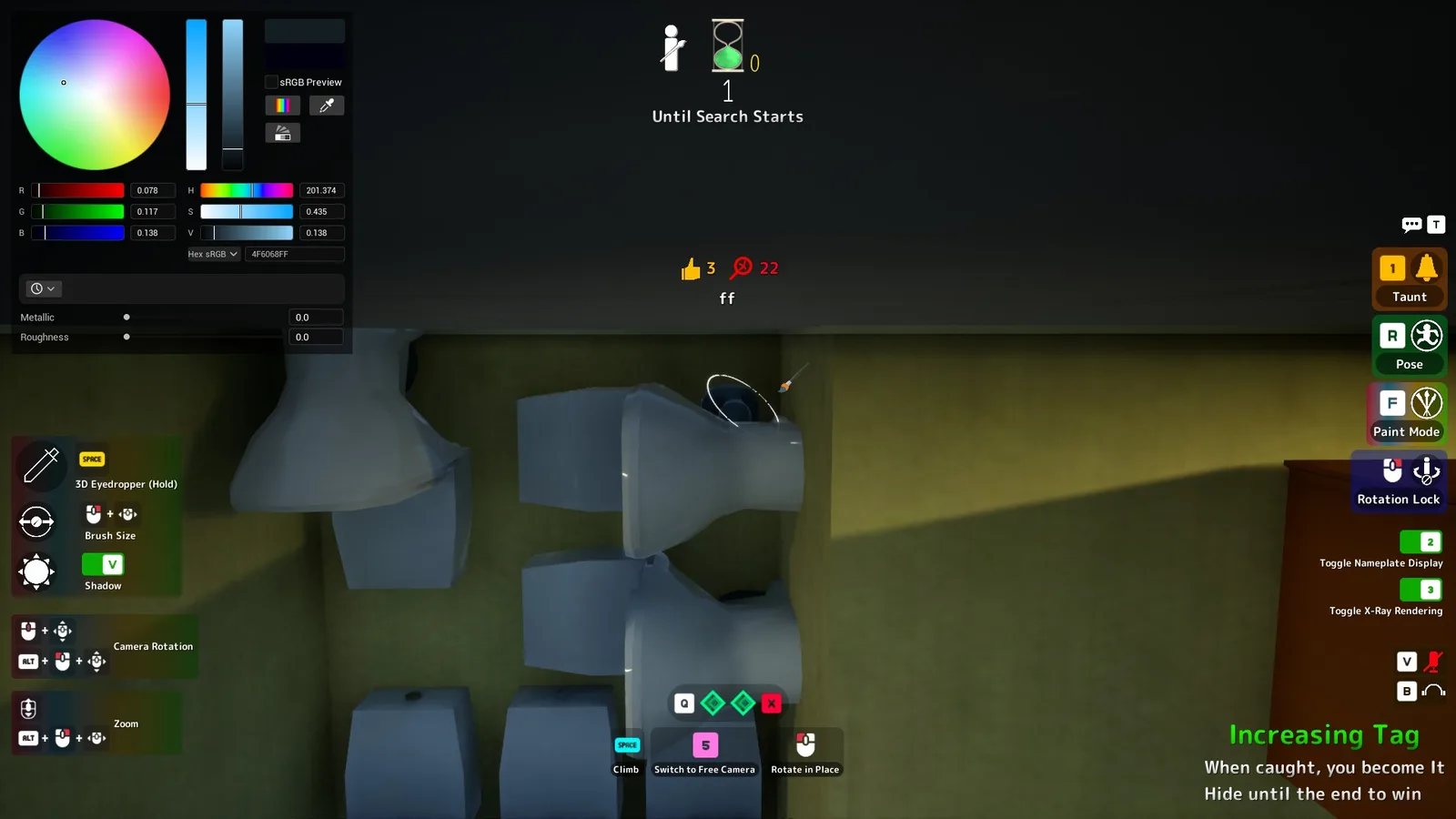
The most-missed tool in the kit. In paint mode, V toggles your falling shadow — the shape your body throws on the floor and wall beside you. On bright stages and under hard light, that shadow is a perfect human silhouette advertising an imperfect one, and no amount of color work fixes it; ceiling and wall hiders suffer most, since their shadows fall where Seekers actually look. Toggle it off in those spots. Three caveats, all verified in-game (2026-07-03): the shading on your own body remains (V controls the cast shadow, not your lighting); the binding is paint-mode only — the help panel labels V itself (screenshot above); and outside paint mode, the same V key toggles your microphone — press it at the wrong moment and instead of hiding your shadow you unmute yourself to everyone in proximity-voice range, a very different kind of tell. In a game that patches near-daily our key table still tracks the drift.
Thinking in Surfaces, Not Colors
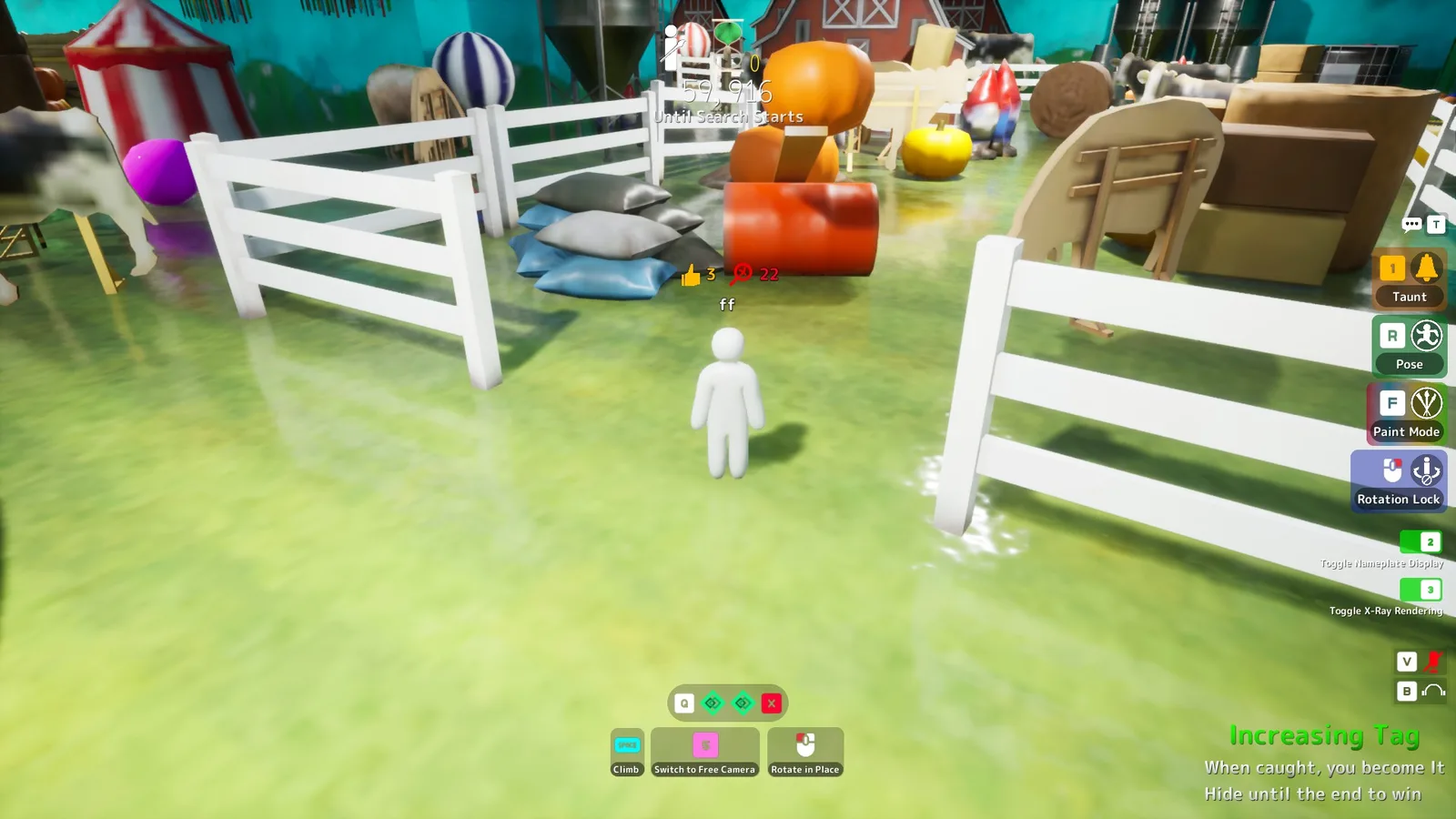
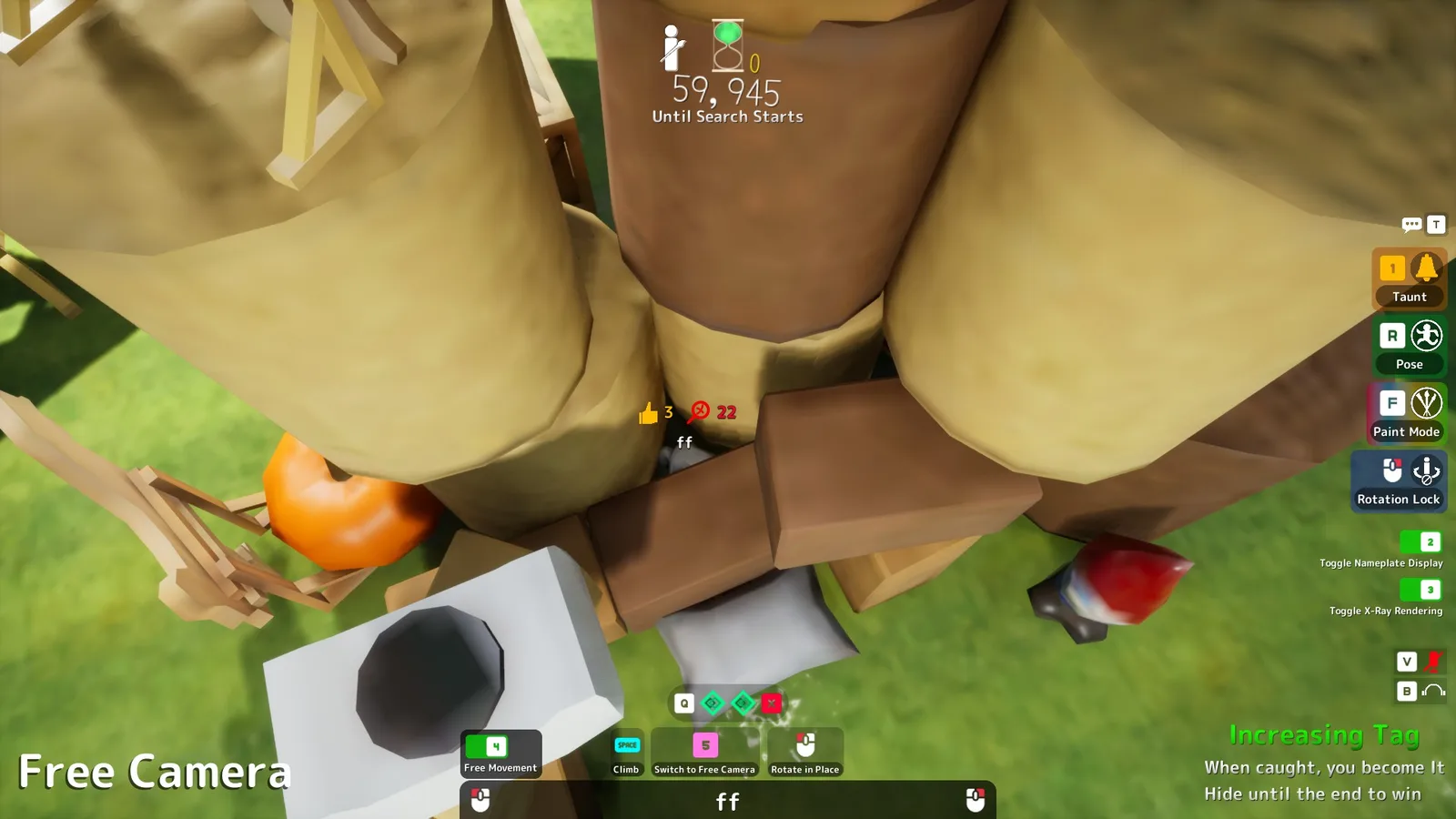
The mental upgrade that separates tiers: stop asking "what color is this wall?" and start asking "what is this wall made of?" A wooden shelf is a hue plus a grain direction plusa soft matte finish; bathroom tile is a color plus a grid plus a gloss that catches highlights. Seekers rarely articulate it, but their eyes run material checks constantly — the painted player who matched color but not grain reads as "wrong" before the Seeker knows why. This is also why clutter spots forgive imperfect work (busy materials hide mismatches) while flat bright walls forgive nothing. When prep time is short, choose a forgiving material over a perfect color — and when you have the luxury, practice the full workflow solo in a private room, where the basics guide suggests every new player spend their first ten minutes.
FAQ
Paint-Mode Cheat Card
- Open paint modeF
- 3D eyedropperSpace
- Brush sizeRight-click (hold) + drag
- Rotate bodyMiddle mouse button
- Falling shadowV (paint mode)
In-game verified (paint-mode rows) · Last checked: 2026-07-03