
Straight answer
Where Can You Play Meccha Chameleon?
On Windows PC, through Steam. That is currently the only official way to play — no console, mobile or browser version exists as of 2026-07-03. Here is the exact route from zero to your first round.
From Zero to First Match
Get Steam
Install the free Steam client on a Windows PC and sign in (or create an account).
Buy the game
Purchase MECCHA CHAMELEON on the official store page — $5.99 USD in the US region.
Install and launch
The download is lightweight by modern standards; launch from your Steam library once installed.
Pick your lobby
Join public matchmaking for instant rounds, or create a private lobby for your group (2–10 players recommended).
Total time from purchase to playing is usually minutes, not hours — the game is small and there is no separate launcher or account system beyond Steam itself. New to the rules? Read how to play while it downloads.
Public Matchmaking or Private Lobby?
Both modes ship with the game. Public matchmaking drops you into open lobbies with strangers — the fastest way to play if your friends are offline. Private lobbies are where the game shines for groups: a recommended 2–10players, your own map choice (including Steam Workshop community maps), and full control over who joins. Streamers typically run private lobbies so viewers can join on invite. Region matters less than you might expect: lobbies are small and the network requirements modest, so cross-region play with friends generally works — just make the player with the most stable connection the host, and keep voice chat on Discord so nobody's microphone gives away a hiding spot.
On Mac, Console or Mobile?
The Steam listing covers Windows PC only. There is no native Mac build, no PS5/Xbox/Switch version, and no official Android or iOS app — any mobile APK claiming otherwise is fake, which we document on the APK warning page. Platform-by-platform status, checked dates and workable alternatives (like playing a Windows copy through compatible hardware) live in our platforms hub and the dedicated Mac page.
Get It on SteamSetting Up a Game Night Lobby
The smoothest route for a group: one person creates a private lobby in-game, then invites through the Steam friends list or overlay — no room codes to dictate over voice chat. Aim for four or more players; with only two or three, Seekers find everyone quickly and rounds lose their chaos. Ten is the ceiling, and honestly the sweet spot for streamers running viewer games.
Before your group buys in, have everyone check the system requirements — the bar is low, but the friend with a 2012 laptop is always the one who finds out mid-checkout.
Handhelds, Cloud and Regional Notes
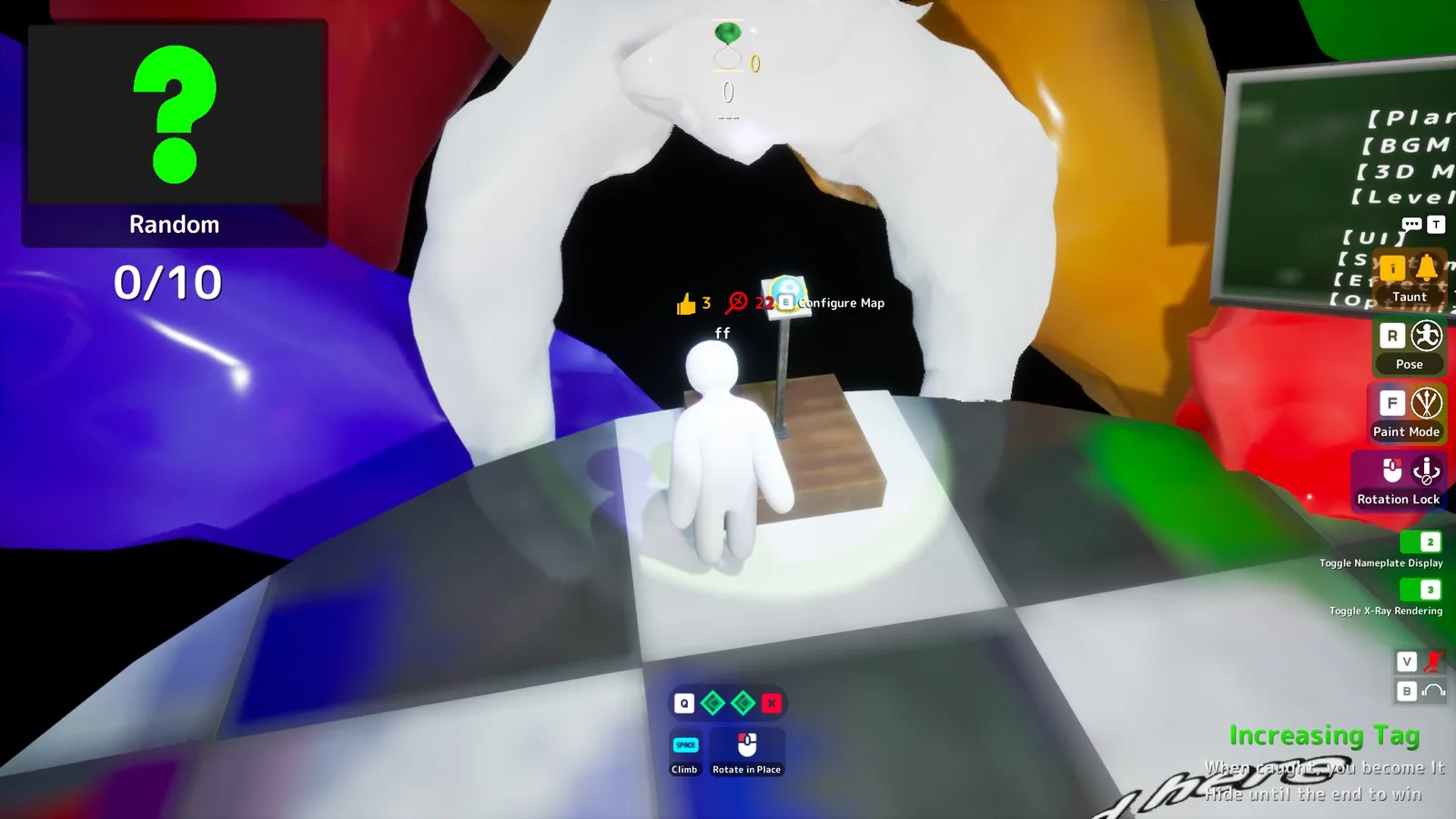
Steam Deck players: the game has no official Deck compatibility rating on its store page as of our last check. As a lightweight Windows title it may run through Proton, but treat that as unverified until Valve assigns a rating — check the store page badge before buying specifically for Deck. If a friend can't get into your room, the join-failure fix sequence resolves it in about five minutes. Cloud is now a confirmed route: the developer announced official GeForce NOW support on 2026-06-26 — explicitly pitched at low-spec PCs and Macs — while other cloud catalogs remain unconfirmed.
Regionally, the game is sold through Steam's standard storefront, so availability follows your Steam region. With 12 supported interface languages, most players can run it in their own language even when matchmaking puts them in an international lobby — which happens often, and honestly, a lobby yelling in four languages while a painted chameleon pretends to be a bookshelf is half the fun.
FAQ
Availability
- Windows PC (Steam)Available
- MacNot listed
- PS5 / Xbox / SwitchNot announced
- Android / iOSNo official app
- BrowserNot real
Last checked: 2026-07-03